
 0
0

Empower Your Business with
Smart Locating Solutions
Your trusted partner for Apple Find My & Google‘s Find Hub network integration.
From embedded PCBA solutions to custom corporate branding.
Your trusted partner for Apple Find My & Google‘s Find Hub network integration.
From embedded PCBA solutions to custom corporate branding.
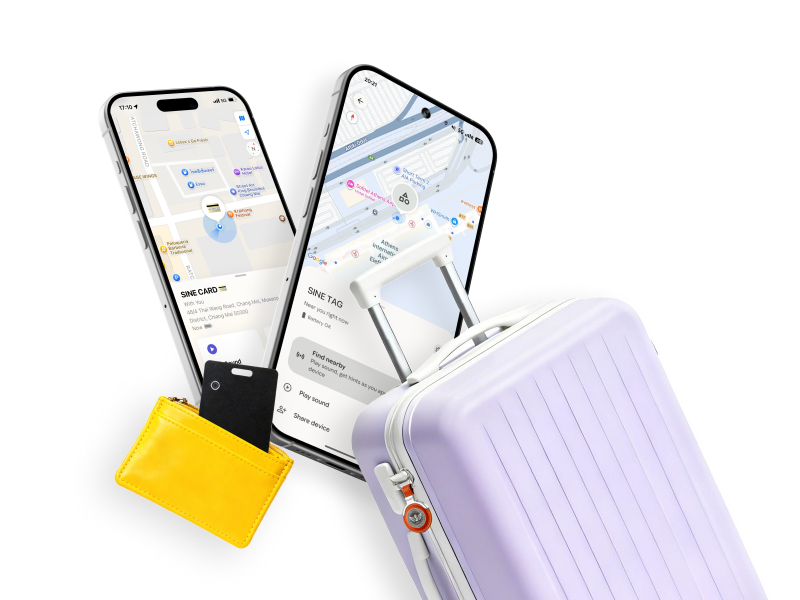
Our Services
We combine years of anti-loss tracking expertise with flexible service models to deliver end-to-end solutions — from technical design to final PCBA delivery.
Whether you need to integrate tracking functions into existing products or develop custom devices, we’ve got you covered.
Turn your products into locatable assets with our end-to-end engineering services.
Embedded PCBA Integration: Ultra-compact modules dessigned forluggage,e-bikes,powertools,and more.
Turnkey Engineering Support: Full service from schemattic design andantenna tuning to firmware development.
Seamless Compatibility: Native support for Apple Find My and Google's Find Hub apps. No extra downloaded app required.
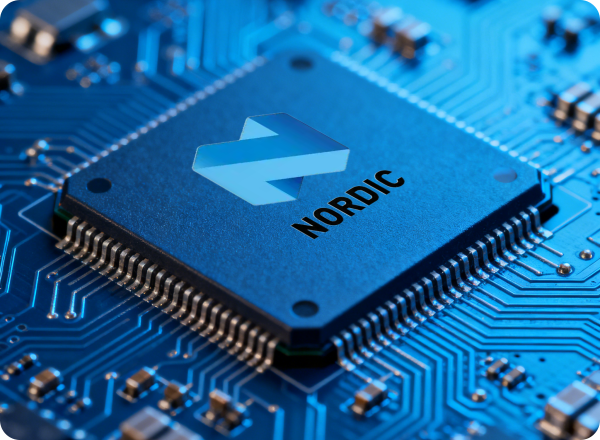
Rigorous standards for your peace of mind.
Premium Core Components: Powered by Nordic Semiconductor, the industry leader in ultra-low-power wireless technology. As the trusted solution for global giants like Apple and Logitech, Nordic chips ensure that SiNETAG delivers the most stable and reliable Bluetooth connectivity available.
Reliability Testing: RF performance, IP68 waterproof rating, and extreme temperature endurance tests.
Continuous post-delivery support: troubleshooting, firmware updates, and scaling guidance.
Global Certification: CE, FCC, RoHS, BQB and strict adherence to Apple MFi / Google's Find Hub standards.
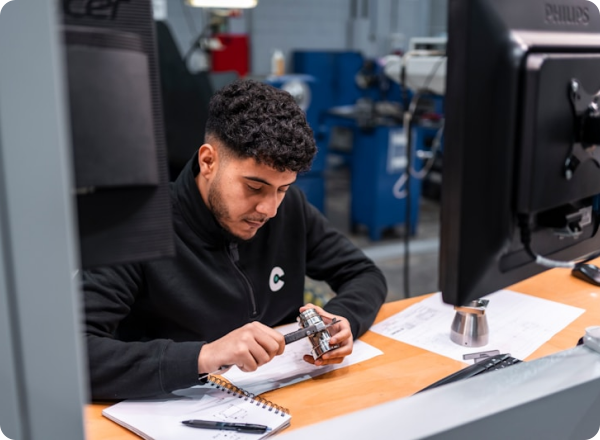
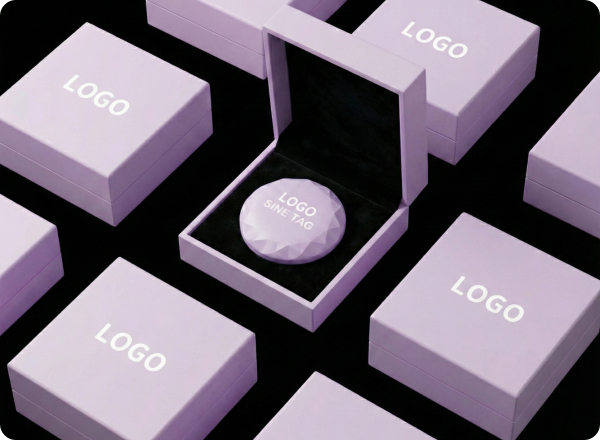
Make your brand unmissable with our OEM/ODM and corporate gifting services.
Visual Identity:Logo silk-screening, laser engraving, and Paintone color matching.
Turnkey Engineering Support: Premium retail packaging design allowing you to sell under your own brand.
Seamless Compatibility: The perfect high-tech gift forclients or employees,customized for your events.
SiNE TAG/CARD stands as your reliable item-finding companion,
packing six core advantages to simplify daily life.

Add smart tracking to luggage locks or suitcases for travel security.

Ultra-thin PCBA solution, the same size as a bank card

Integrate tracking into bike lights, frames, or locks for anti-theft protection.

Prevent tool loss and improve management efficiency.

Provide reliable location tracking for the elderly and children to ensure their safety.

Track pet collars to ensure the safety of furry friends.

Authorized Apple Find My developer, with Google's Find My support coming soon — one solution for dual-platform coverage.

From concept design to PCBA delivery, we handle every step, saving you time and resources.

Proven expertise in integrating tracking technology into diverse products, trusted by global partners.

Support OEM/ODM, small-batch orders, and custom projects — adapt to your business needs.

Tell us about your project needs, and our team will get back to you with a tailored solution within 2 business days.
Copyright 2025 © GOBEST Power Supply. All rights reserved. Technical Support:Gu Baite Network
Your cart is empty